Why dual subtitles help
YouTube dual subtitles extension
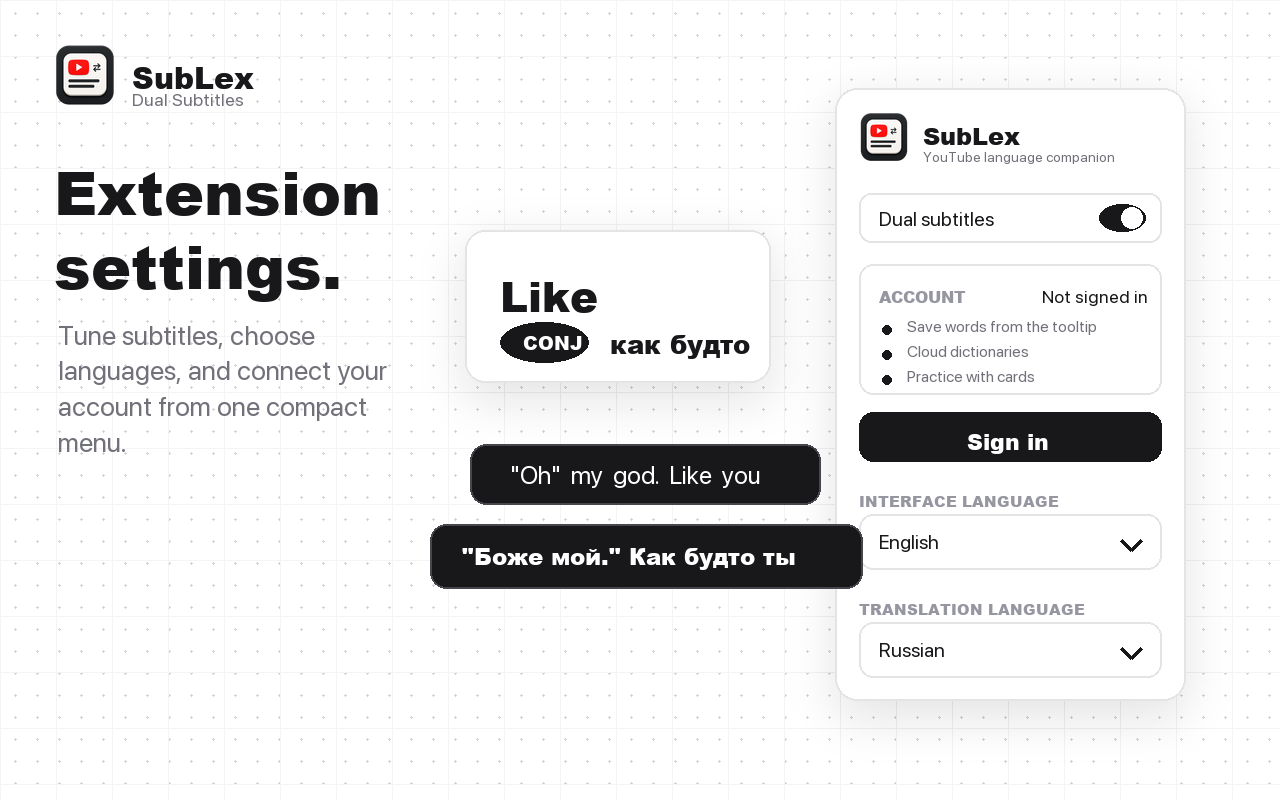
One subtitle line often is not enough: original captions help listening and reading, while translated captions keep the meaning clear.
YouTube dual subtitles extension
SubLex adds a clean dual-subtitle layer to YouTube so language learners can follow real videos without switching tabs every few seconds.
Why dual subtitles help
One subtitle line often is not enough: original captions help listening and reading, while translated captions keep the meaning clear.
What SubLex adds
SubLex keeps the learning loop close to the YouTube video, then moves saved vocabulary into your personal dictionary and cards.
See the source caption and translation at the same time on YouTube.
Adjust language, font size, and subtitle background from the popup.
Go beyond comprehension by saving words and practicing them later.
FAQ
It works well on videos that have YouTube captions available.
Yes. Choose the translation language from the extension popup.
No. It also helps you save words from subtitles and review vocabulary cards.